For web agencies & resellers

Your clients' websites,
as two mobile apps

Connect the website that already exists, issue one shop code, and your client immediately has an ordering app for shoppers and an order-management app for the shop owner. No rewriting the website, no publishing apps to the app store yourself.

  • Connect the website with a connector; the secret key is stored encrypted
  • Vietnamese, English and Korean inside the app
  • One console for all of your clients
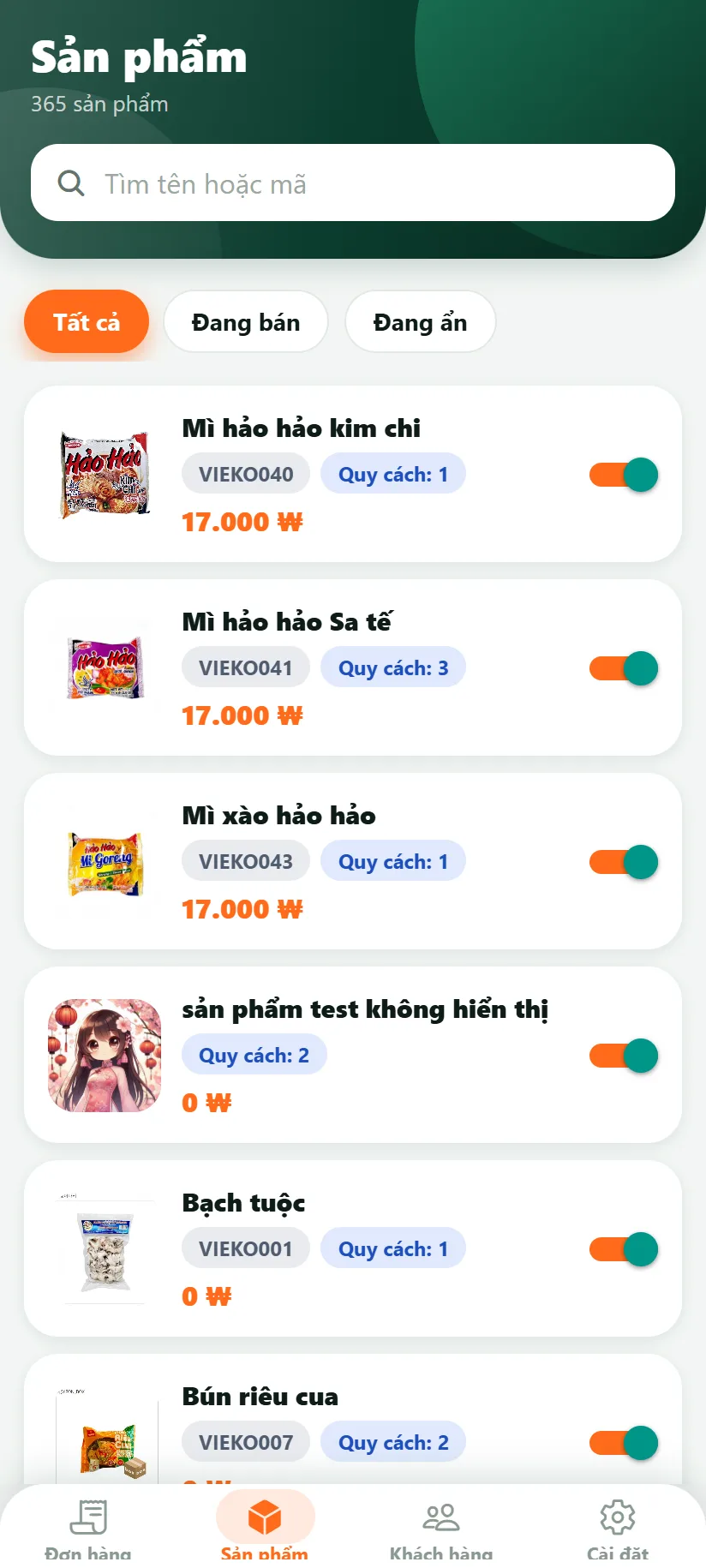
@alt: Manager app: product list with a switch to show or hide each product
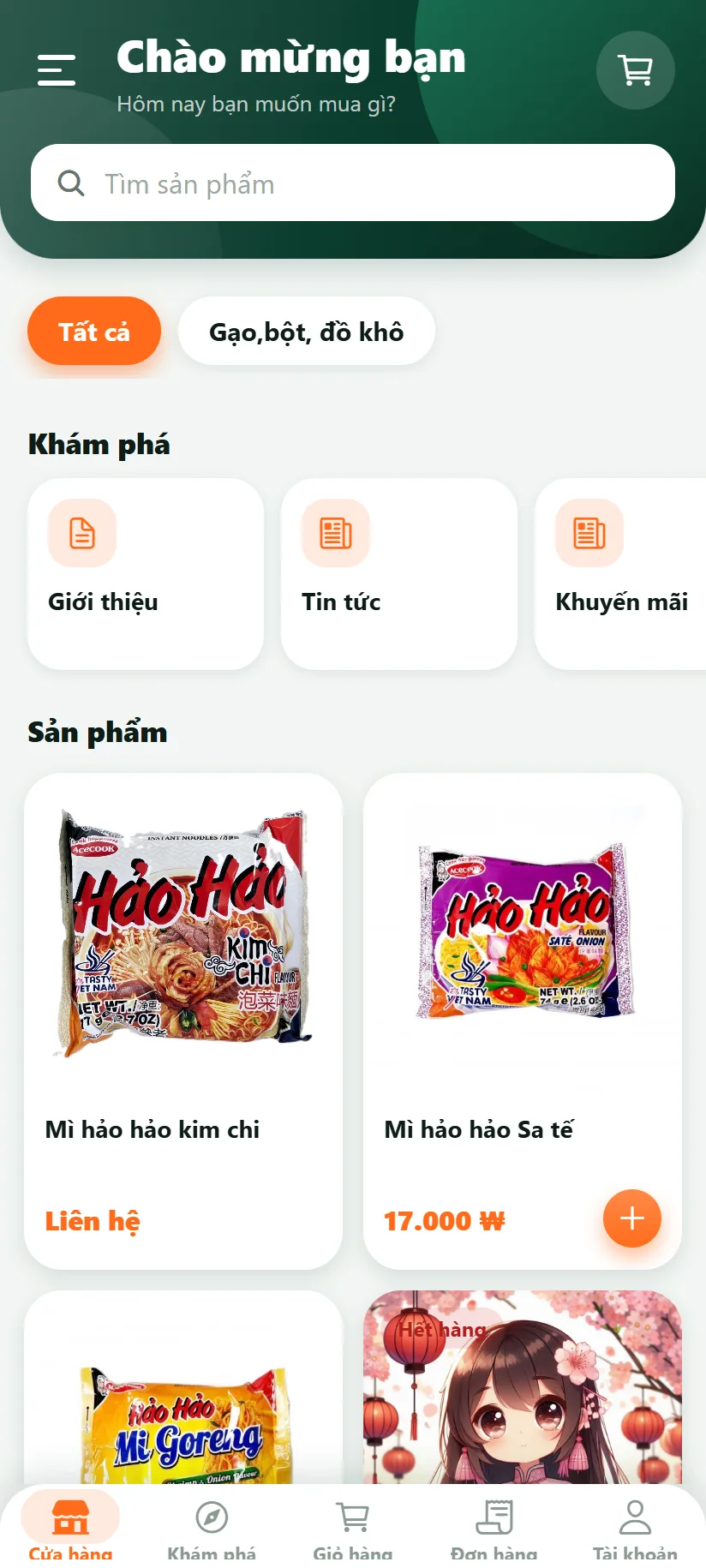
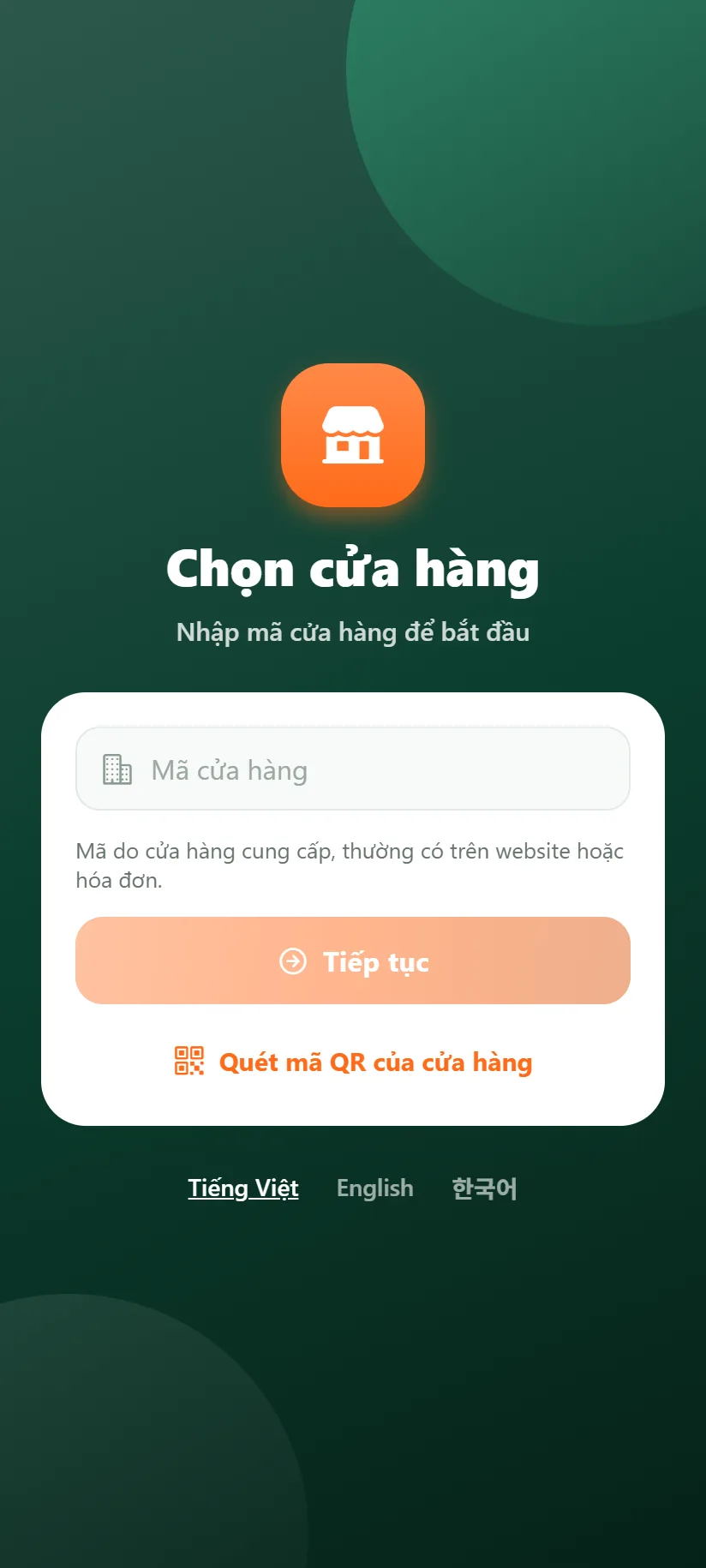
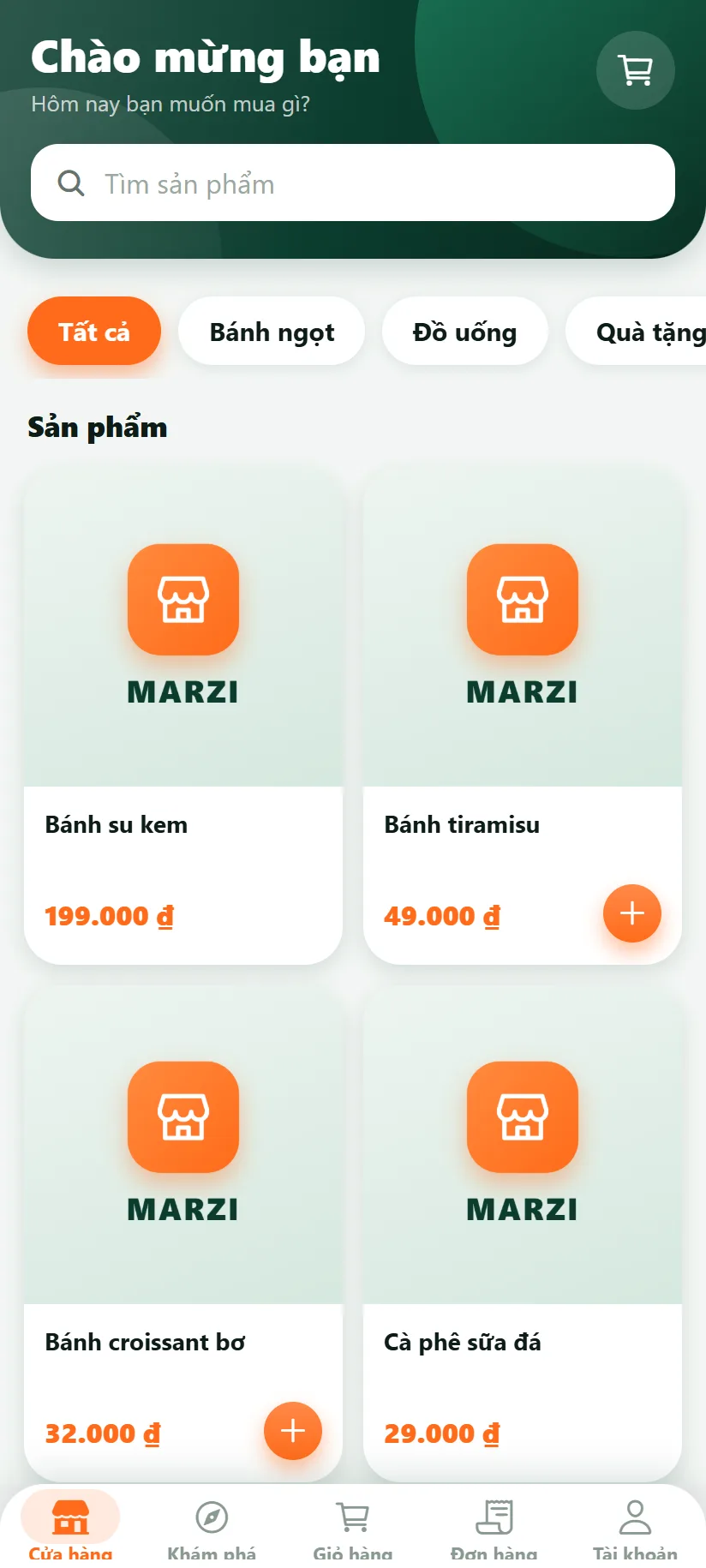
@alt: Ordering app: the shop's home page with categories and products
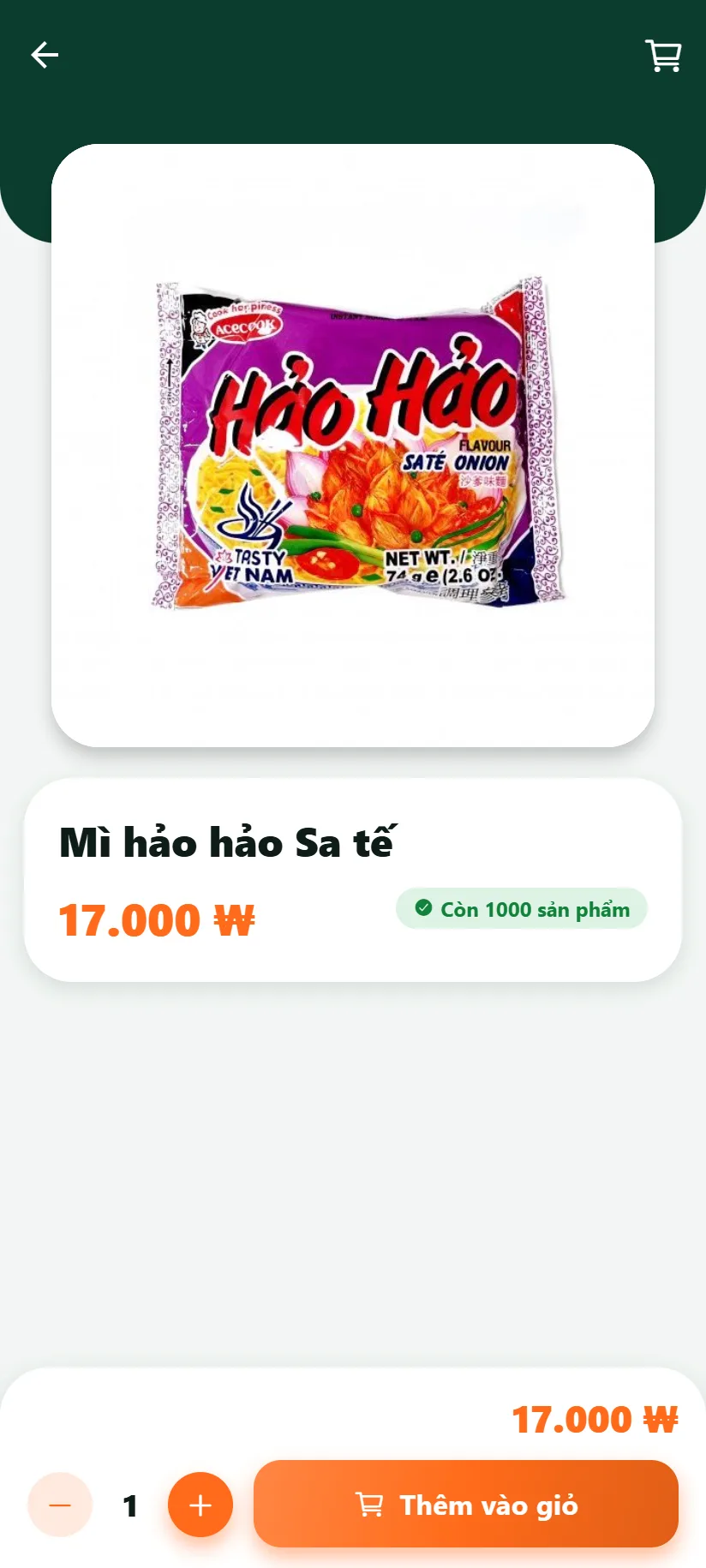
@alt: Ordering app: a product page with an add-to-cart button
New order Paid
2 appsfor every client website
1 shop codeto open exactly the right shop
3 languagesVietnamese, English, Korean
0 lines of codeto create a new shop in the console
How it works

From website to app in four steps

You work in one console. Your clients only need to download the app and type the code.

  1. 1

    Connect the client's website

    Install the connector on the website, paste its address and secret key into the console, and press Test connection. Products, prices and orders are read straight from the website.

  2. 2

    Create the client, issue a code

    Every shop has its own code, different from everyone else's on the system. The console checks the code as you type.

  3. 3

    Pick an industry template and colours

    Choose the Retail, Food or Drinks template, then adjust colours, navigation style and home-screen blocks. A live preview of the app sits right beside you.

  4. 4

    The client installs the app and types the code

    The shop owner signs in to the manager app with the code, an account and a password. Shoppers reach the right shop with the code; no separate app to install.

Two apps

One for shoppers, one for shop owners

One look and feel: fast, compact, easy to use with one hand.

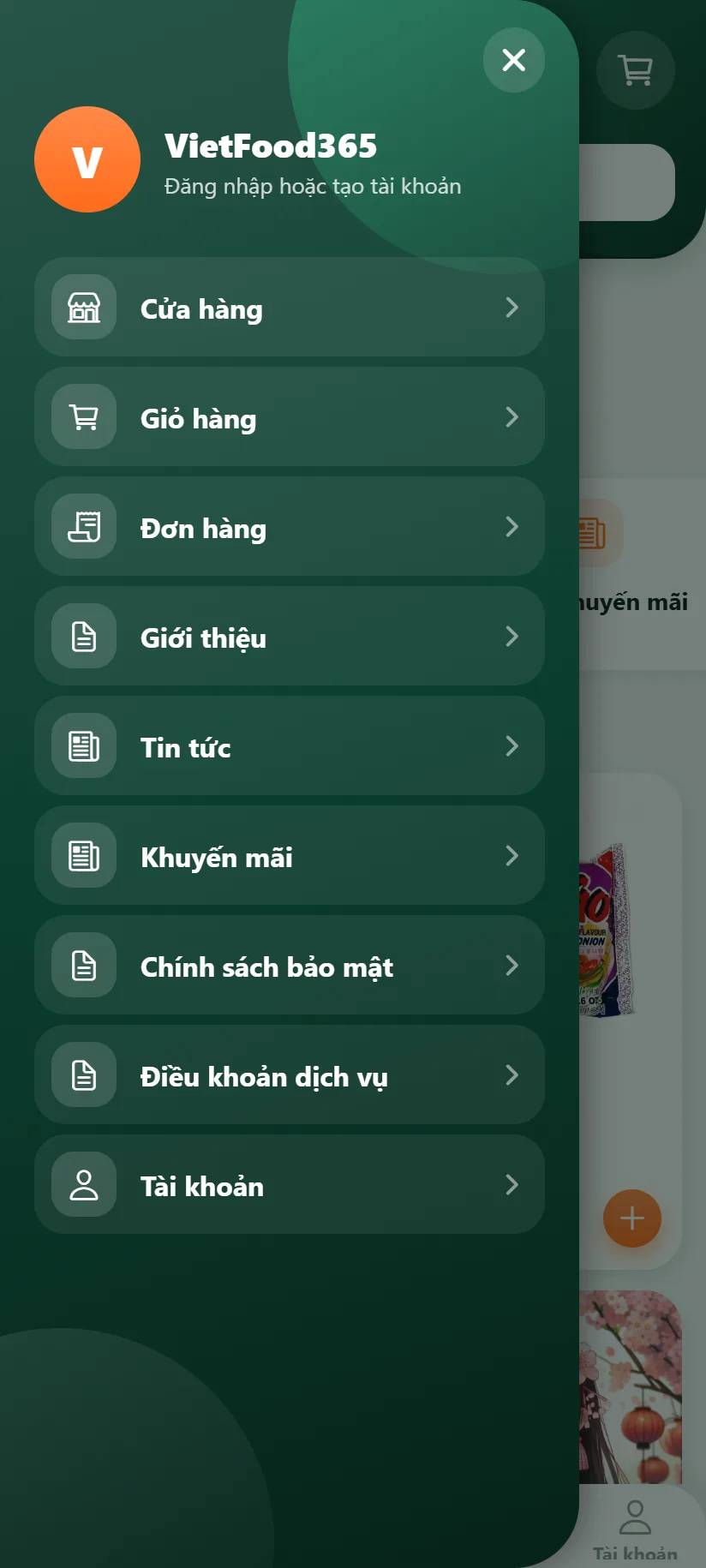
@alt: Ordering app: a slide-out menu with the shop's pages
Ordering app

Shoppers choose and order in a few taps

  • Browse products by category, search, large pictures
  • Member prices and prices per pack size (box, kg...)
  • Cart, checkout and order history
  • The shop's about page, news and promotions
  • Switch language inside the app
  • Pay by bank-transfer QR code; the screen confirms by itself when the money arrives
  • Favourites, product sharing, re-order, several saved addresses
  • Scan a QR code to open the right shop
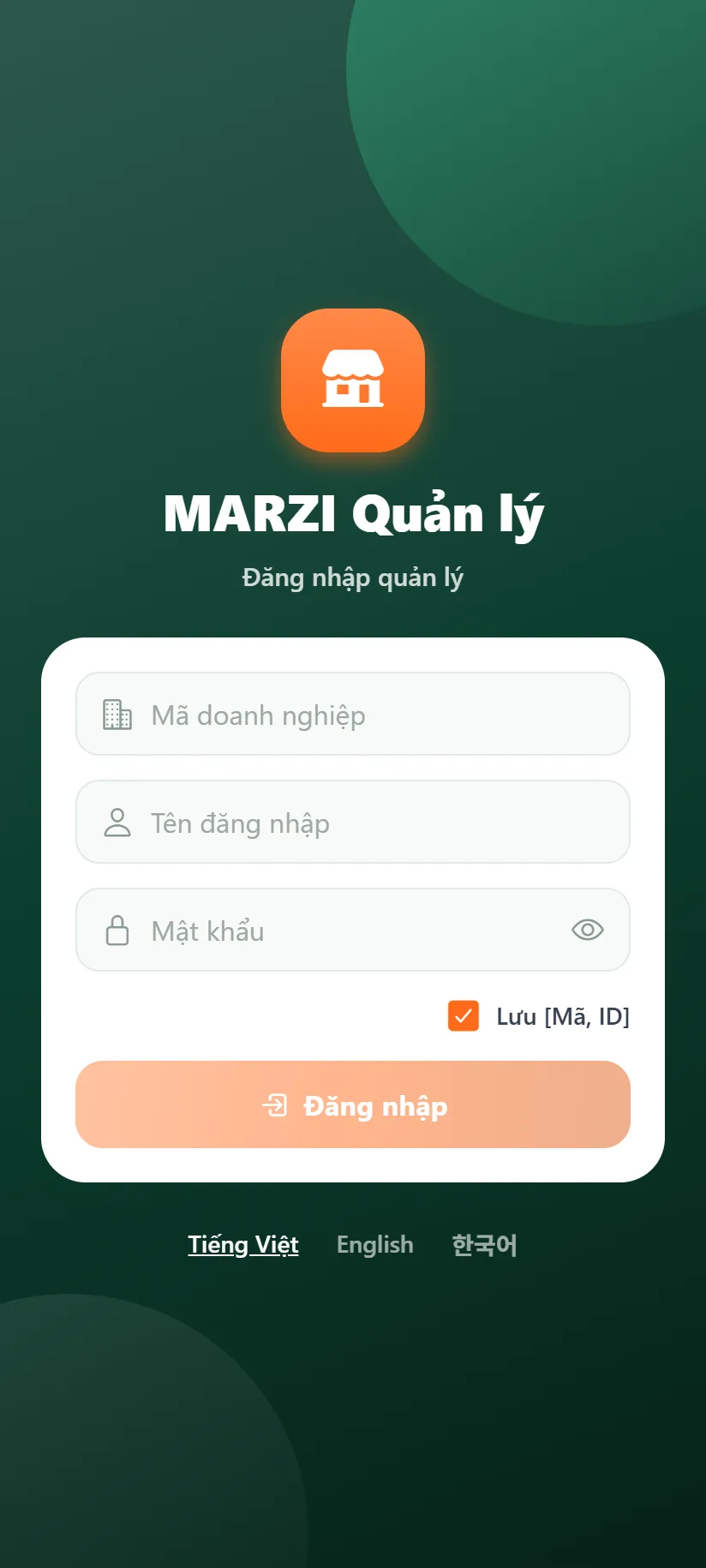
@alt: Manager app: sign-in with a business code, a user name and a password
Manager app

Shop owners stay on top of orders at any time

  • Sign in with a business code, account and password; remembers the code and ID
  • View, search and filter orders by date, payment and status
  • Change order status, mark as paid, print or export to PDF
  • Customer list; show, hide and quickly edit products
  • New-order alert while the app is open
  • Push notification for new orders; view orders again when offline
  • Sales reports, QR bank-transfer payments, feedback to the agency
  • Coming soon: calendar, directions, automatic waybills

And a marketplace app of its own: Marzi Market

Besides the two apps above, MARZI has a marketplace app that gathers the products of the shops that joined: shoppers put goods from several shops in one cart, and MARZI charges a marketplace fee as agreed. Orders for shops that signed the agreement go straight to their manager app.

Know the moment an order arrives

A customer orders, the shop owner is alerted on their phone

Whether the customer orders on the website or in the app, the owner's phone says "New order". Tap it to open that very order.

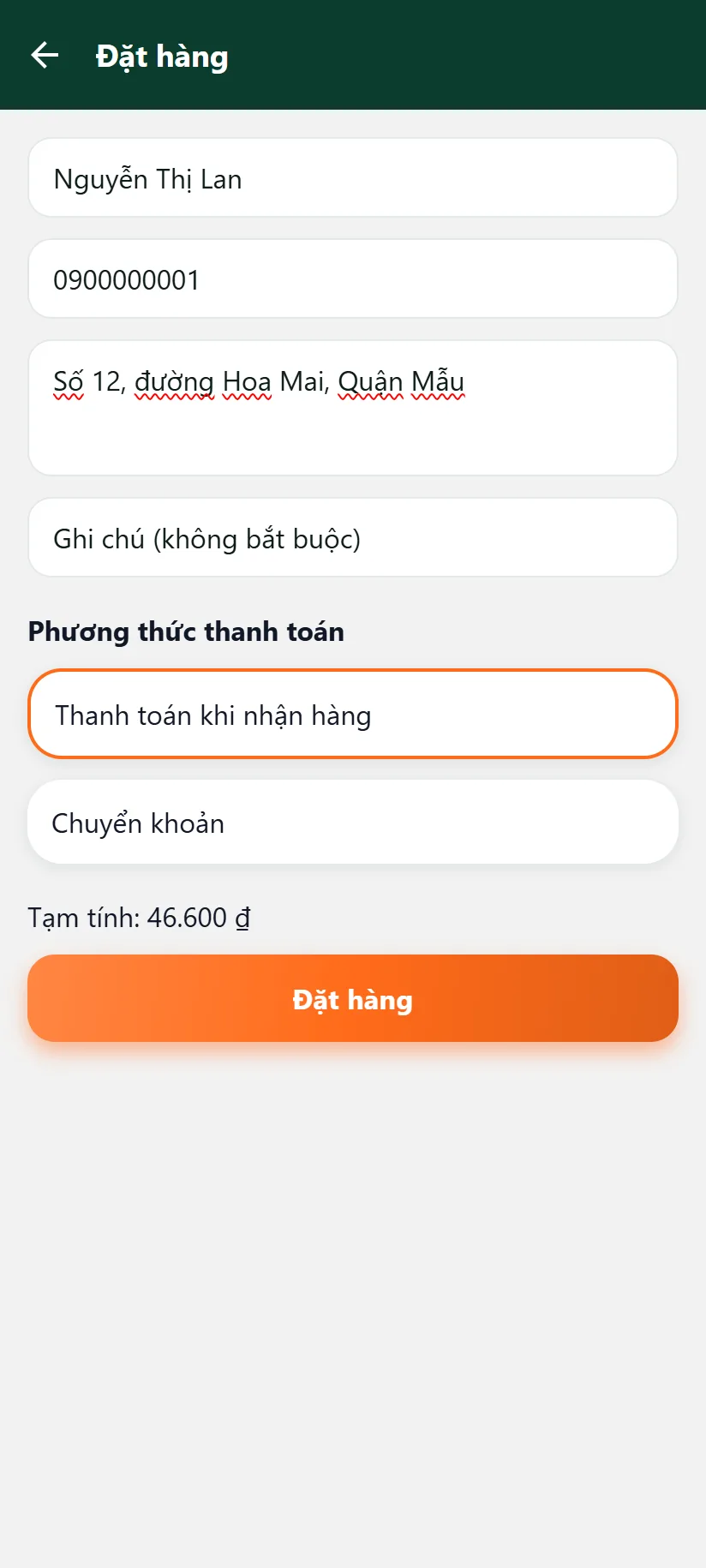
@alt: Shopper app: the checkout screen
Order placed
09:41Saturday, October 17
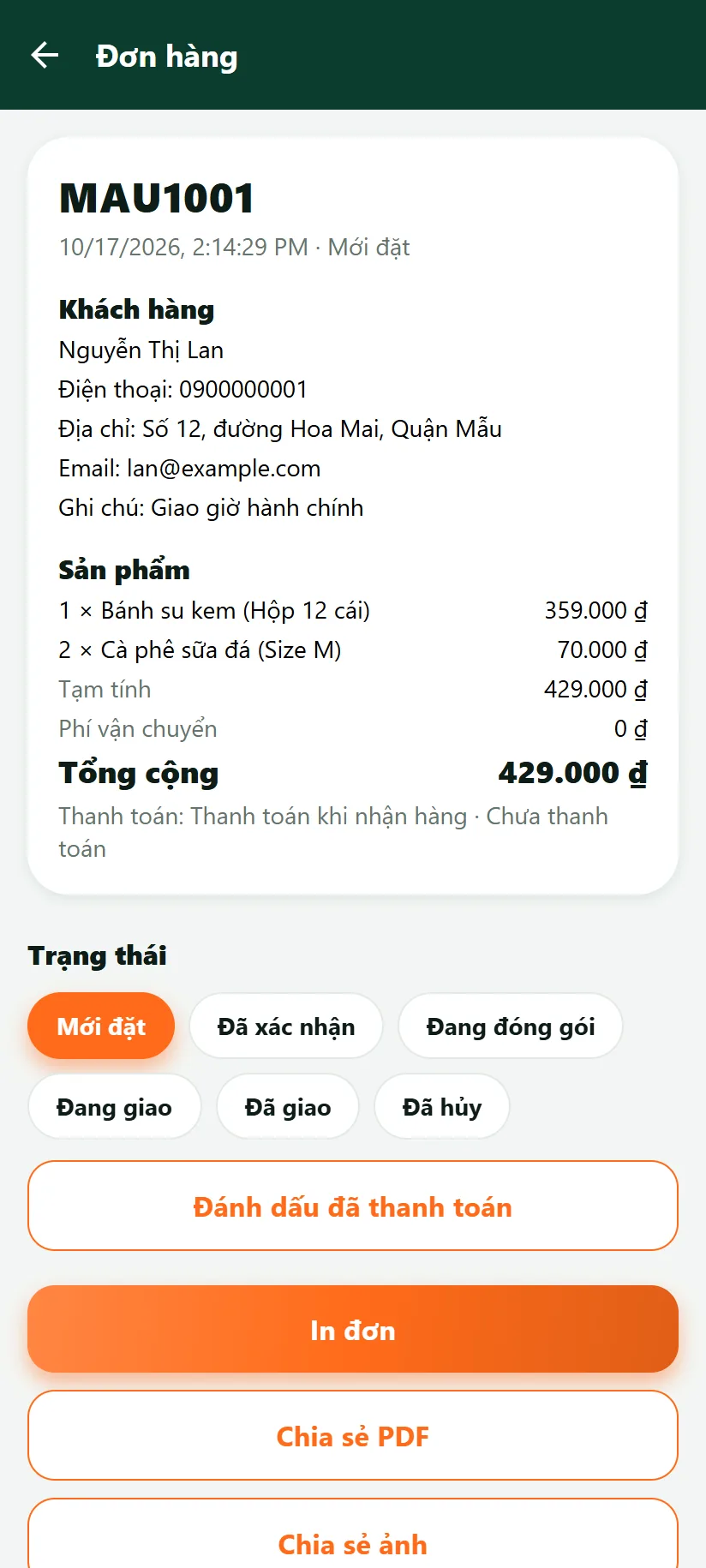
@alt: Manager app: details of order MAU1001
MARZI · nowNew orderSample Shop: order MAU1001
  1. 1The customer taps Place order
  2. 2The owner's phone shows a new order
  3. 3Tap it to open the order details
Paying by QR code

The customer scans, you see the money at once

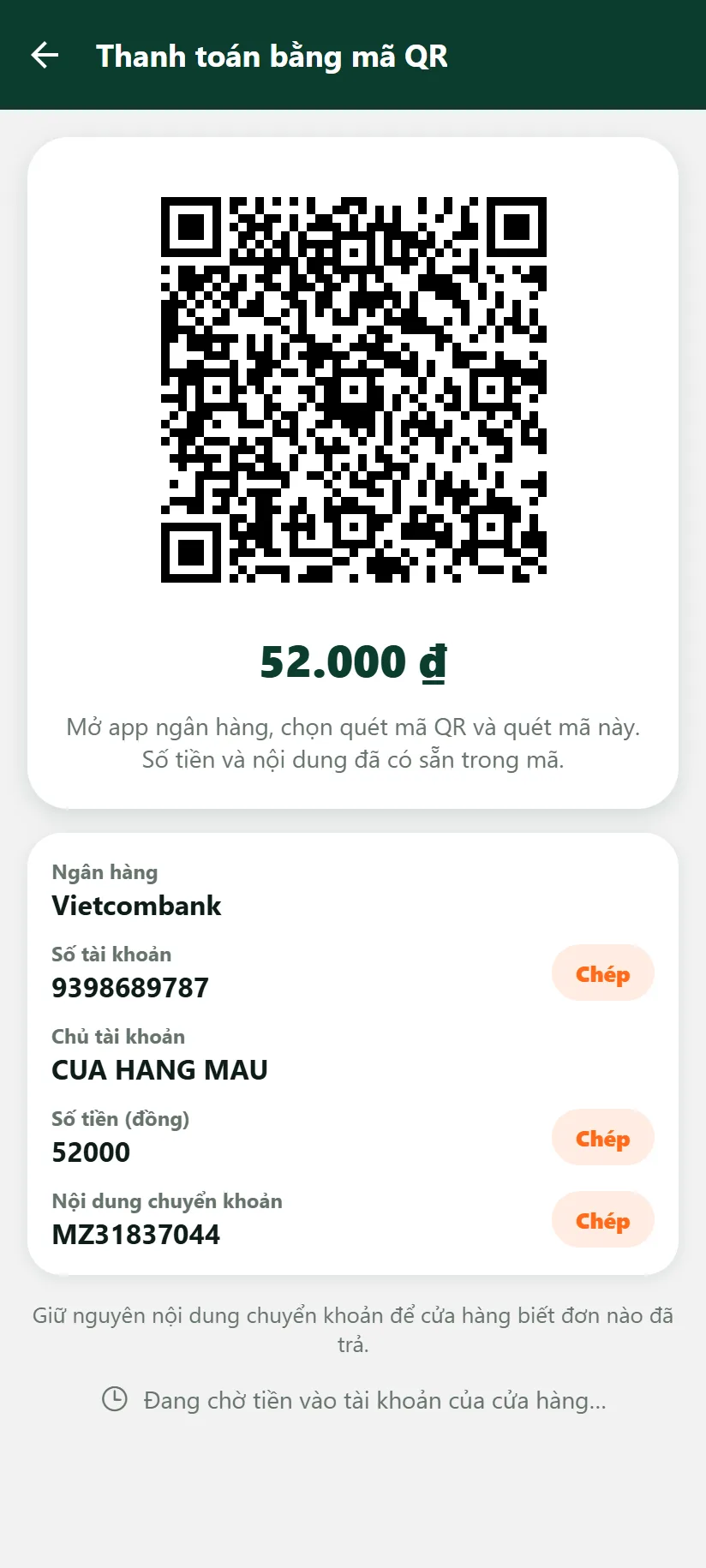
The customer chooses to pay by bank transfer and scans a QR code that already carries the amount and the reference. The money goes straight to the shop's account. When the shop connects SePay, the customer's screen and the order in the manager app switch to "paid" by themselves.

@alt: Shopper app: the payment QR code
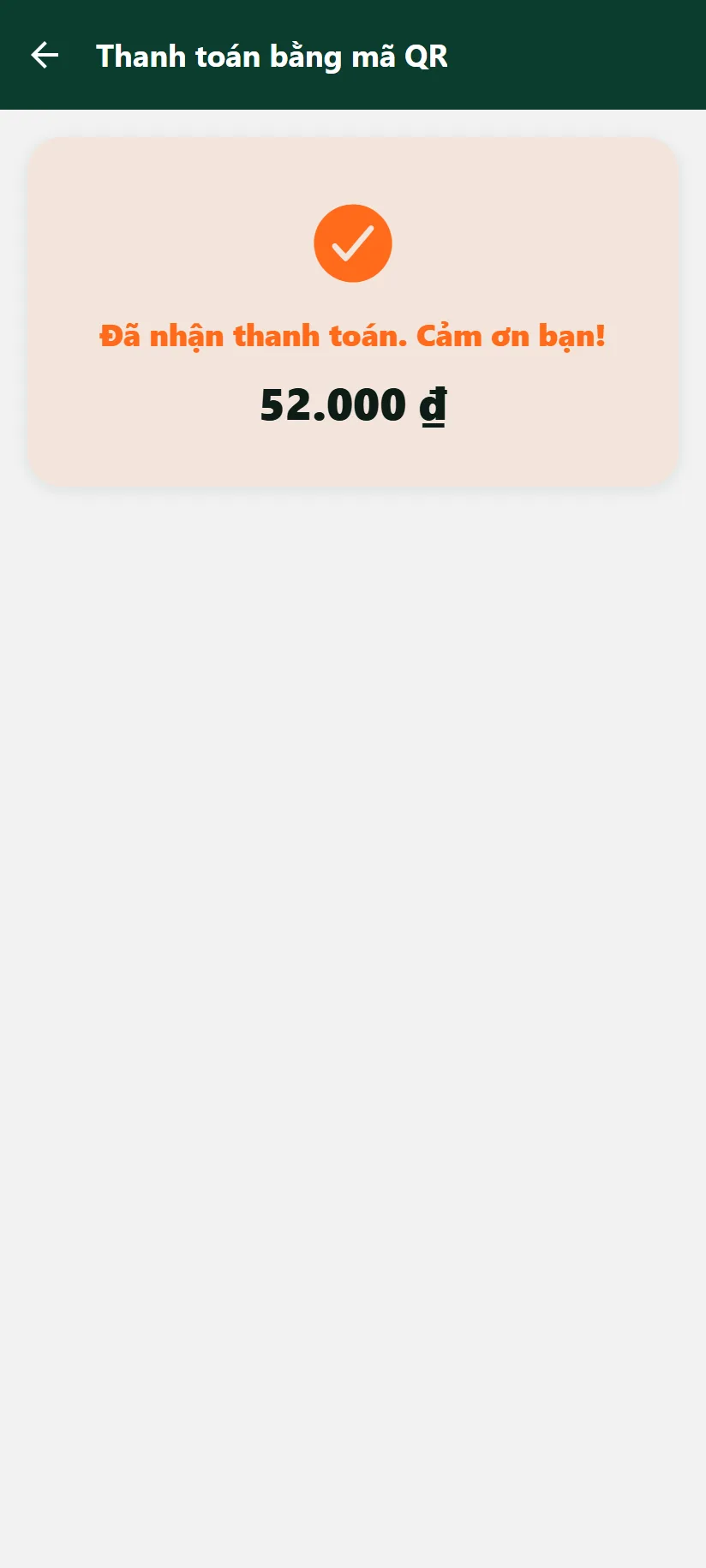
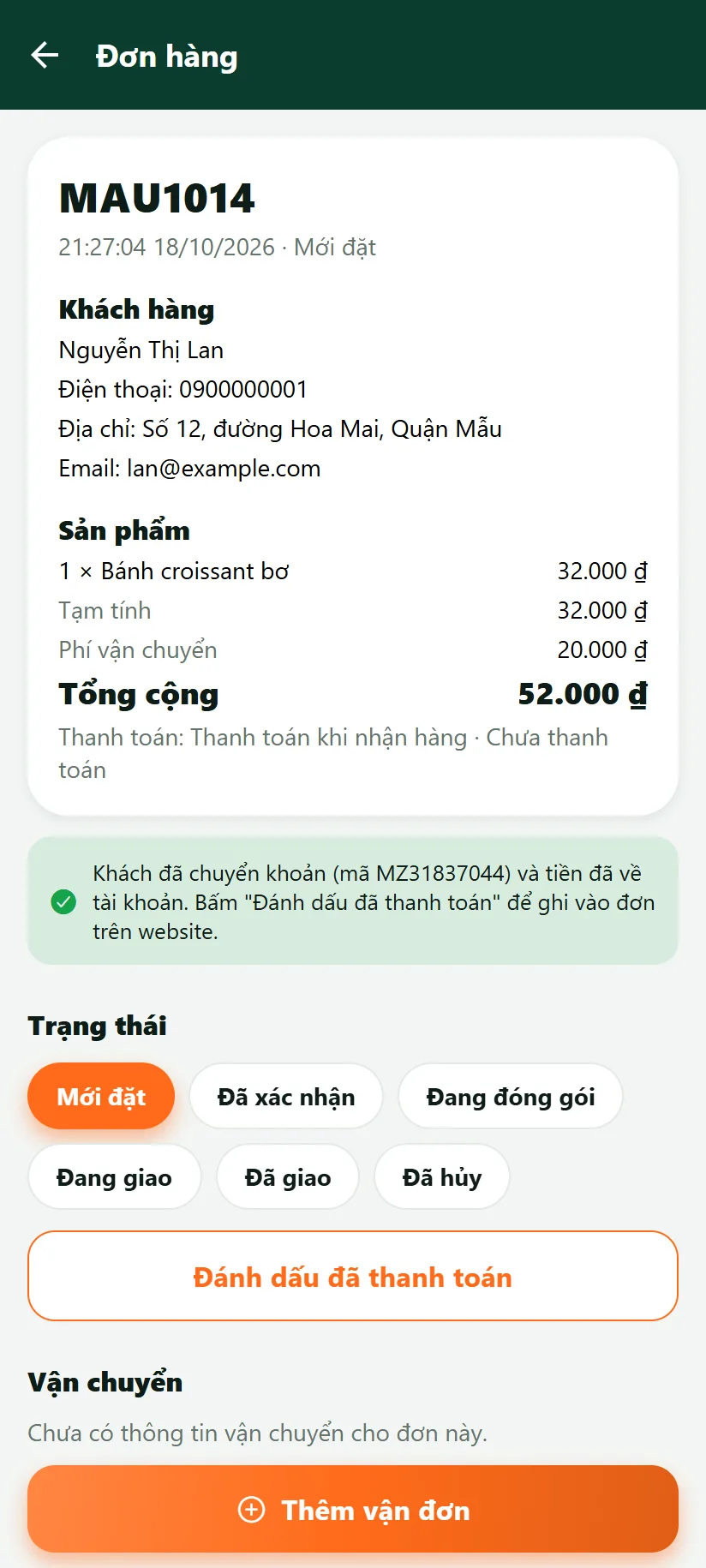
@alt: Manager app: an order paid by QR code
The customer chose to pay by QR code; waiting for the money (code MZ31837044).
+52.000 ₫
  1. 1The customer scans the code with a banking app
  2. 2The money reaches the shop's account
  3. 3The customer's screen and the order show paid by themselves

Without SePay, staff press "confirm" when they see the money. The figures in the pictures are sample data.

For web agencies and resellers

Sell one more service on every website you have built

Your clients already have a website. MARZI lets you sell an app on top without hiring an app team and without publishing to Google Play for each client.

  • Your own consoleCreate and manage all of your clients; only you can see your clients.
  • Monthly or yearly plansLimits by number of clients and by features. The yearly plan saves more.
  • Connect the existing websiteThe client's website and data stay as they are. The app reads products, prices and orders straight from the website.
  • Activity logSee who did what, and when, on your account.
Industries

Ready-made templates for each industry

Pick a template, then keep adjusting: colours, home-screen blocks, features. New templates are added when the matching features are ready.

Retail

Many categories and products, a product grid, search.

Ready

Food, bakery, specialties

Slide-out menu, about page, pack sizes.

Ready

Drinks, coffee

Compact and focused on the menu: search and products.

Ready

Bookings

Spas, hotels, sports courts: choose a service, a date and a time.

Coming soon

Courses, video

Lessons, clips and content organised by programme.

Coming soon

Real estate, recruitment

Filterable listings, enquiries, quotes.

Coming soon
Security

Each shop's data is kept apart

Security was a requirement from day one, not something added later.

  • Data is separated by shop code and by agency, with automated tests
  • The secret key of a client's website is encrypted before it is stored and never shown again
  • The server only connects to public websites over HTTPS and refuses calls into internal networks
  • Sign-in rate limits, temporary lock-out when passwords are guessed, a strong-password policy
  • A content policy that blocks foreign code on the admin pages, and an activity log
Pricing

Choose a plan by your number of clients

Pay monthly or yearly. You can upgrade the plan as you gain clients.

Swipe sideways to view and compare the plans

Loading prices...

Need more, or want an app with the client's own name and icon? Contact us for advice.

FAQ

Frequently asked questions

Do I have to publish the app to Google Play myself?

No. The two shared apps are published once, and every shop is kept apart by its shop code. If a client wants an app with its own name and icon, that is a premium option and needs the client's own developer account.

Can a website built with any technology be connected?

Yes. The app gets its data through a connector installed on the website, following one common standard (a few signed HTTPS endpoints that return JSON). A developer writes the connector in a language they know (PHP, WordPress, Node.js, C#, Python...). There is a working PHP connector, a Node.js sample, an automatic test kit and an OpenAPI specification: see the website connection guide (in Vietnamese).

What if my client has no website?

The platform has its own place to keep products and orders for this case, with a web page to manage them in the browser: enter products with pictures, prices, stock and English and Korean translations, then view and process orders. The agency creates the shop's sign-in account right in the console.

Where is a client's data kept, and can it get mixed up with another shop's?

Every shop has its own code, and data is separated by code and by agency. With an existing website, products and orders stay on that website itself.

Does the app run on iPhone?

Android is the priority for now. An iPhone version is in the plan.

Are push notifications, offline orders and online payment available yet?

Push notifications for new orders, viewing orders offline and bank-transfer payment by QR code are available. Online payment through a card gateway or e-wallet is planned.

Ready to sell an app to your clients?

Tell us how many websites you manage and we will recommend a suitable plan and help you connect the first website.

Leave a phone number or an e-mail address, at least one of the two.

Contact details are being updated.